Captions
All features
The Captions tab is where words and timing live.
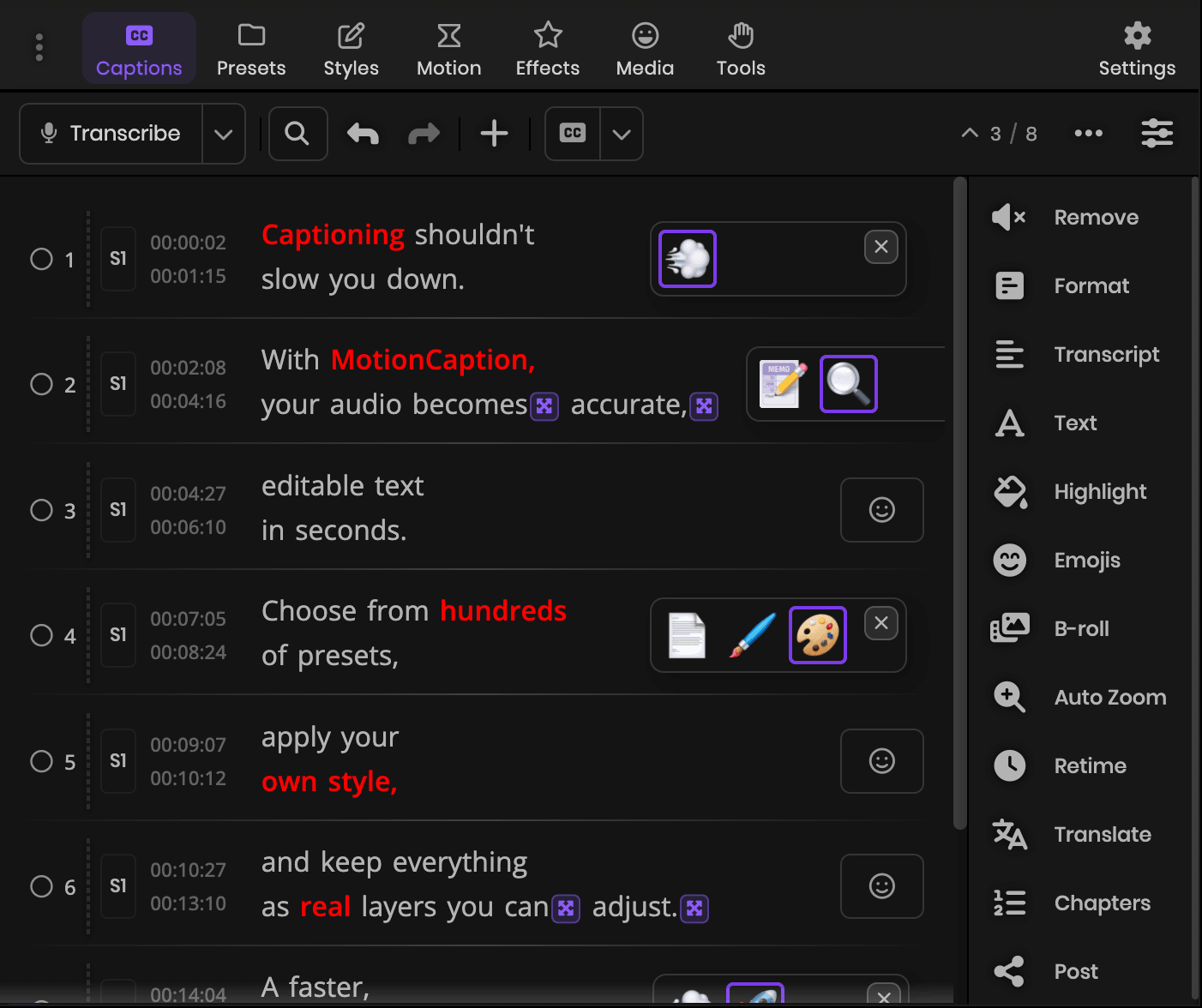
Get text and timing
Transcription: Pick a language, then run local or cloud transcription. Local runs offline and costs no credits. Cloud costs 1 AI credit a minute and times every word, so word-by-word captions come straight out of it.
Import files: Bring in SRT, TXT, or CSV. TXT and CSV arrive without timing, so you retime them in the panel.
Manual editing: Type or paste lines in the panel and set their times.
Format, edit, and timing
Edit caption text, and format all captions to a target lines per caption and max characters per line. Search and replace across every caption, with full undo and redo on any change.
Open the Retime timeline (R) to fix timing word by word, snapped to frames.
Export
From the Captions workflow you can export captions as SRT or plain text.