Animated captions inside Premiere
Transcribe, pick a look, generate. The caption MoGRT comes with the plugin.
Your captions here
All captions on one MoGRT clip. Fewest clips on your sequence.
- One MoGRT clip
- Carries the whole caption track
- Every word timed
- Straight from the transcript, no SRT to source
- Restyle in the panel
- Properties writes to the clips on your track
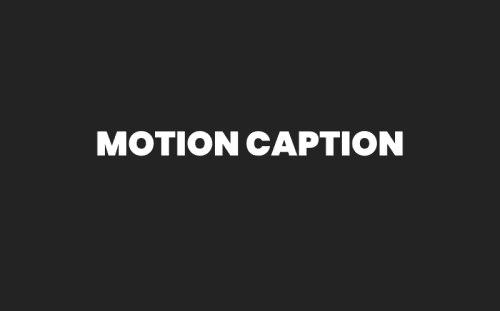
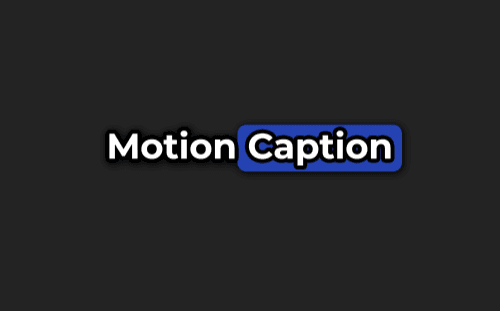
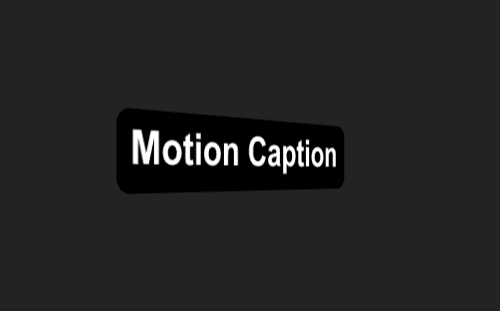
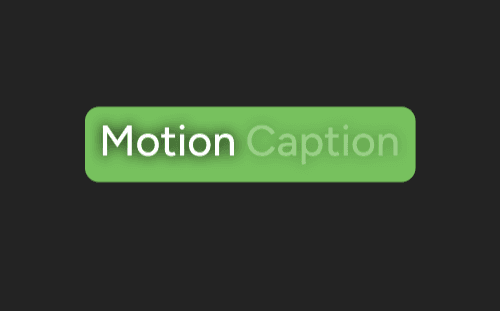
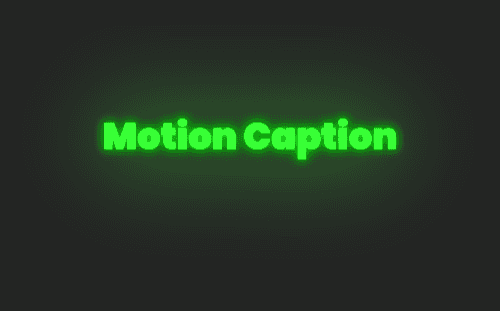
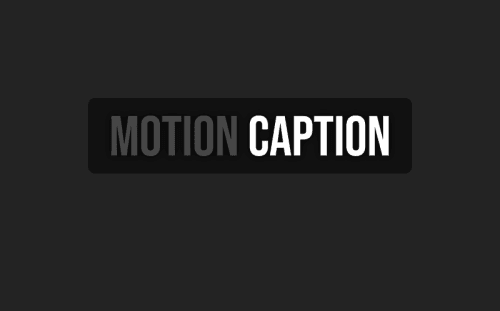
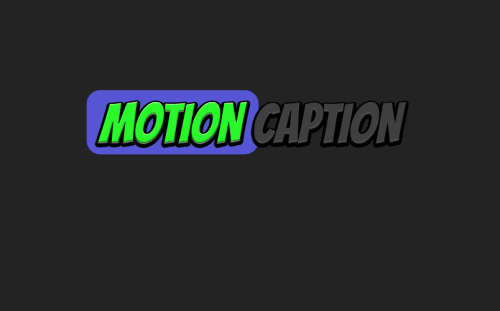
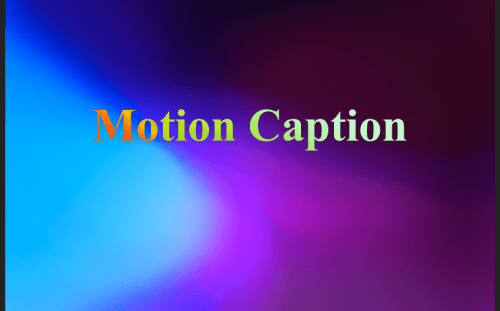
80+ looks, one template
Every Premiere caption preset renders on the MoGRT MotionCaption installs.
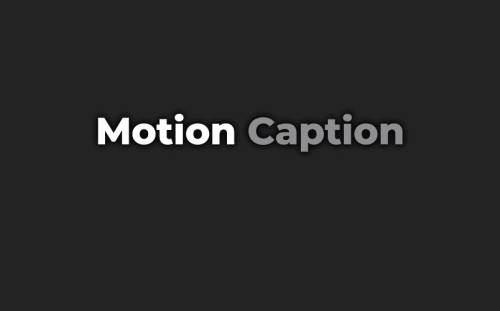
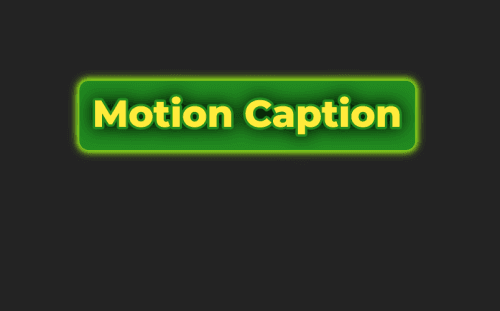
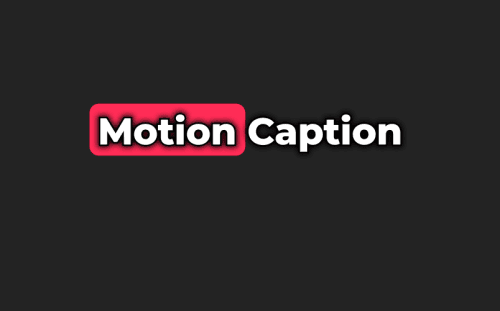
Frequently Asked Questions
Short answers to the most common questions.
Yes. MotionCaption runs inside Premiere (2023+) and After Effects (2023+). In Premiere you transcribe, pick one of the 80+ caption looks in the panel, and generate on your timeline. A few After Effects presets and tools require After Effects 24.3 or later.
MotionCaption brings its own. It installs the caption MoGRT and imports it into your project, and all 80+ Premiere caption looks render on that one template. You pick a look in the panel and generate. There is no separate template to build, buy, or download.
No file needed. Transcription gives every word its own timing, and the Captions panel formats captions word by word. If a word lands early or late, fix it in Retime. You can still import an SRT, TXT, or CSV when you already have one.
Because generation writes the whole caption track in one pass, so your timeline holds one clip instead of one per caption. Edit the look once and every caption follows. To move, retime, or style a caption on its own, switch Captions Layout to Separate Captions. Bake renders the track to a PNG sequence for instant playback.
Each host has its own library. 330+ animated caption presets (After Effects). 80+ animated caption presets in Premiere, all on one MotionCaption MoGRT. In Premiere every caption rides on one clip, so generation is fast and the timeline stays light, and you can split that clip to style any caption on its own. After Effects carries the larger library of presets, animations, effects, transitions, styles, and highlights.
See what runs in each hostYes. Right-click any preset to open its settings: text styles, highlights, backgrounds, animations, effects, and transitions. Those settings also hold the Style Generator (the Random button), which makes new looks from that preset. In After Effects the captions arrive as native text layers, so anything After Effects can do to a text layer, you can do to a caption. Use the Styles tab to edit caption styles. If you already have your own design, Custom Composition in After Effects uses your composition as the caption look.
Caption your next video today.
14-day money-back guarantee