Rename layers, project items, effect groups, text, and comments
Expressions pointing at a renamed layer, effect, or comp update with the new name
Add a prefix or suffix with numbering, a separator, the comp name, or a date
Find and replace with regex and match case, across one comp, a selection, or every comp
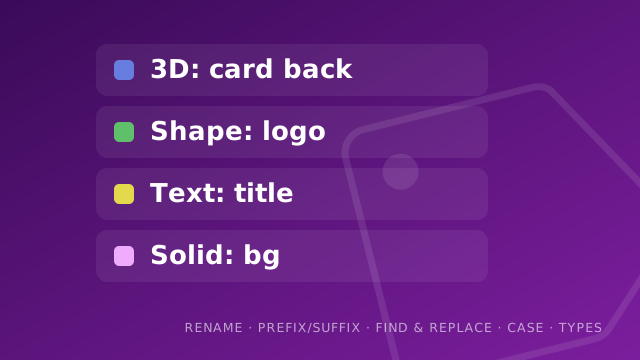
Rename by layer type, with a label colour per type
Rename a selection from a list of names in a text file
Uppercase, lowercase, capitalize, trim, and character limits
Save your settings as a named profile and switch between them
See it in action
Rename a whole selection from a list of names in a text fileRename by layer type, each type a prefix and its own label colourConvert names to camel case, kebab, snake, title, and moreAdd a prefix or suffix, with numbering, a separator, or the comp nameFind and replace across a comp or the whole project, with regex
Install
Twowaystoaddascript
Run it once, or install it for good. Either way it takes about a minute.
1
Move the .jsx file into your ScriptUI Panels folder
Windows: Program Files\Adobe\Adobe After Effects [version]\Support Files\Scripts\ScriptUI Panels.
macOS: /Applications/Adobe After Effects [version]/Scripts/ScriptUI Panels.
2
Restart After Effects
The script appears at the bottom of the Window menu, and it docks like any other panel.
OR RUN IT
1
Run it once without installing
In After Effects, use File → Scripts → Run Script File, and choose the .jsx.
Fromaudiotoanimatedcaptions
MotionCaption turns your audio into animated captions inside After Effects or Premiere. Transcribe, then generate on your timeline.